
What’s safe
to spend today.
See at a glance how much is left this month and what you can safely spend today. Plainspend is a calm budget tracker for iPhone.
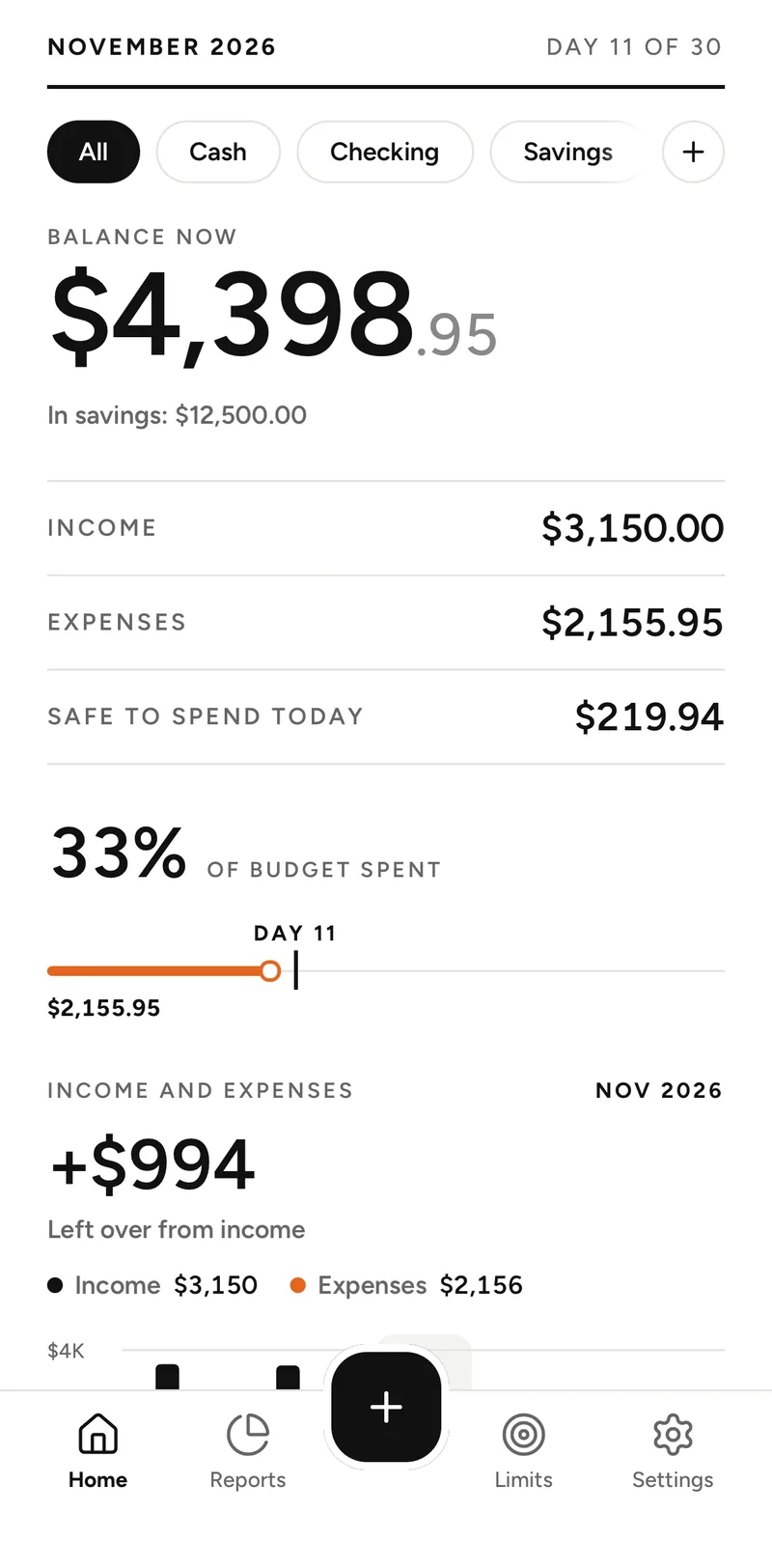
Safe to spend today
One number for every day
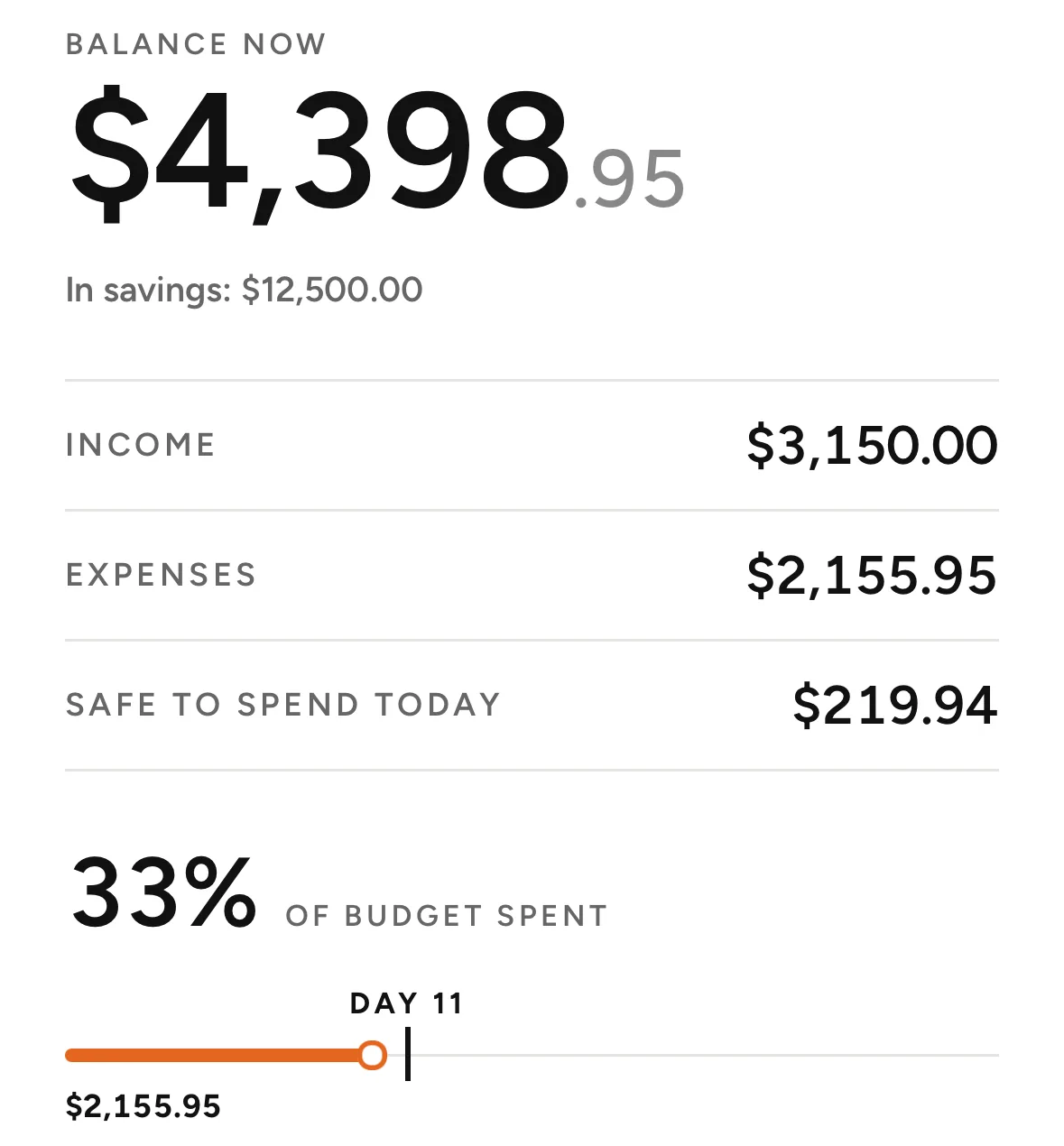
Plainspend takes what’s left of this month’s money and spreads it evenly over the days that remain, today included. Spend less today and tomorrow’s amount grows; spend more and it shrinks. The number updates after every purchase.
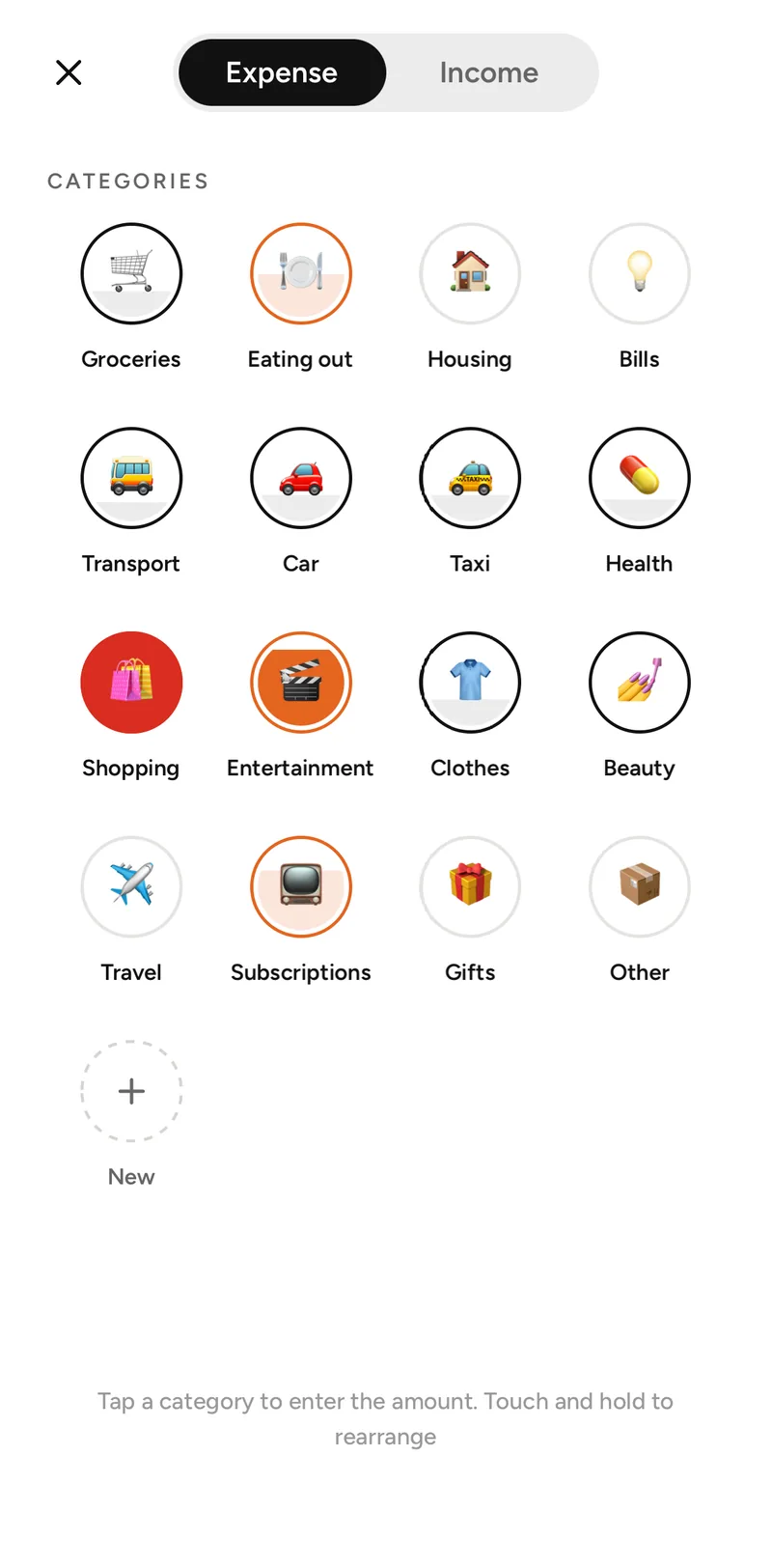
Fast entry
Add an expense in seconds
Pick a category, type the amount, done. Plainspend opens instantly and works offline.
- Press and hold the app icon to add an expense right from the Home Screen.
- Change the date, the account or add a note when you need to.
- Income has its own categories, so salary and side jobs stay apart.
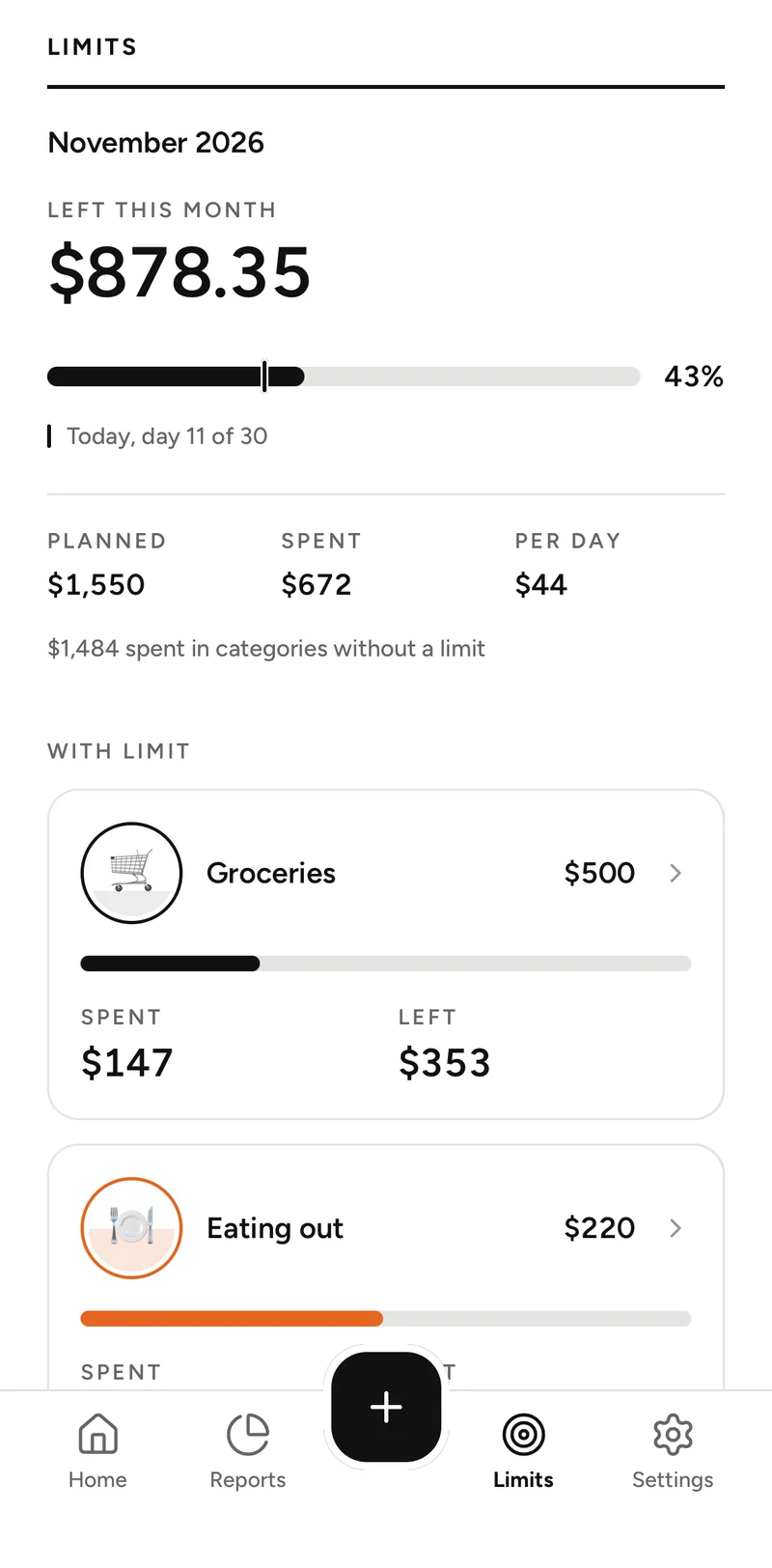
Limits
Limits that fill like a glass
Set a monthly limit for any category. Its icon fills up as you spend, so you see where you stand before you open the details.
- See what’s left in each category and how much you can spend per day.
- Use your own categories, icons and order.
Reports
See where your money goes
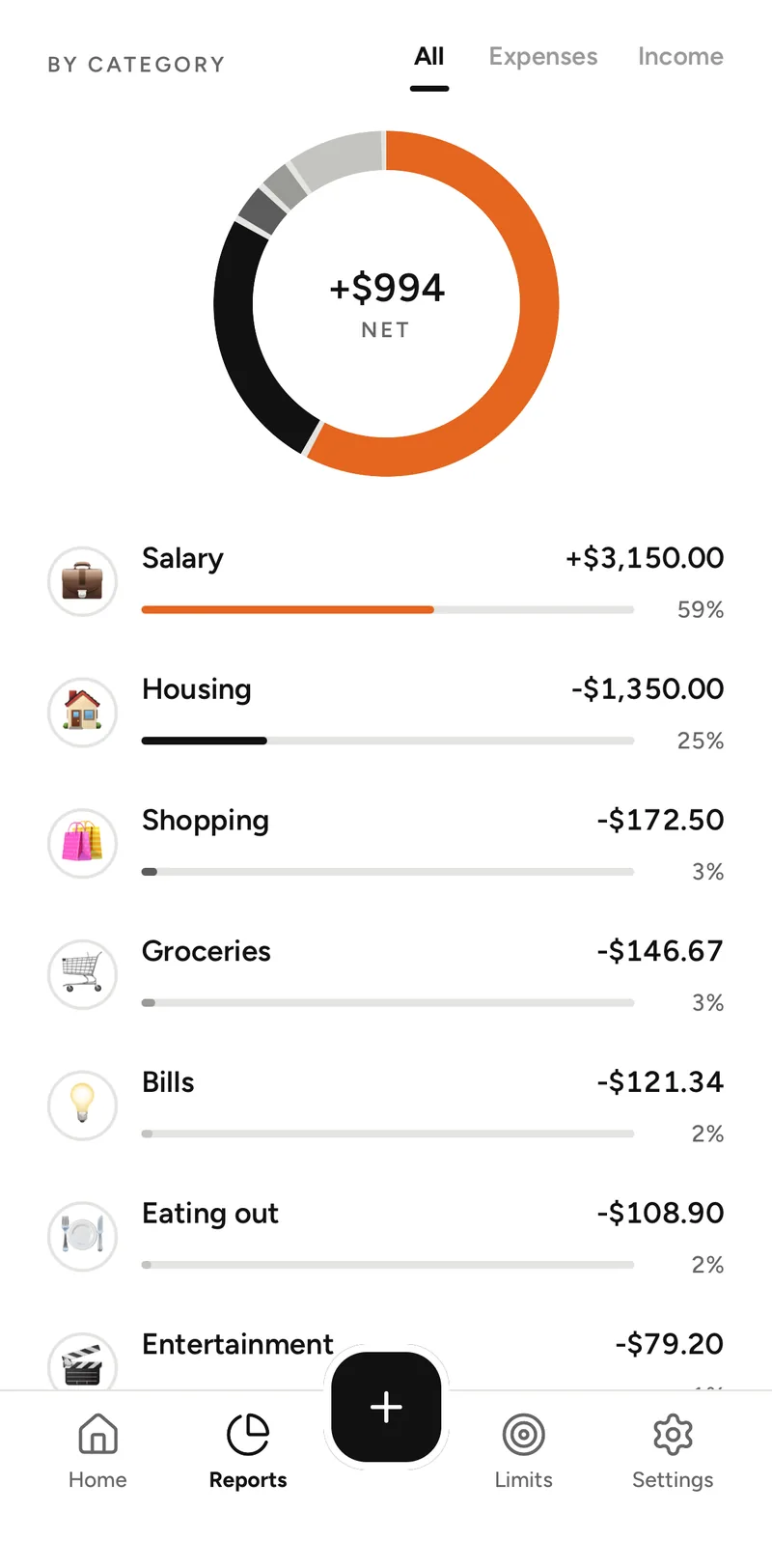
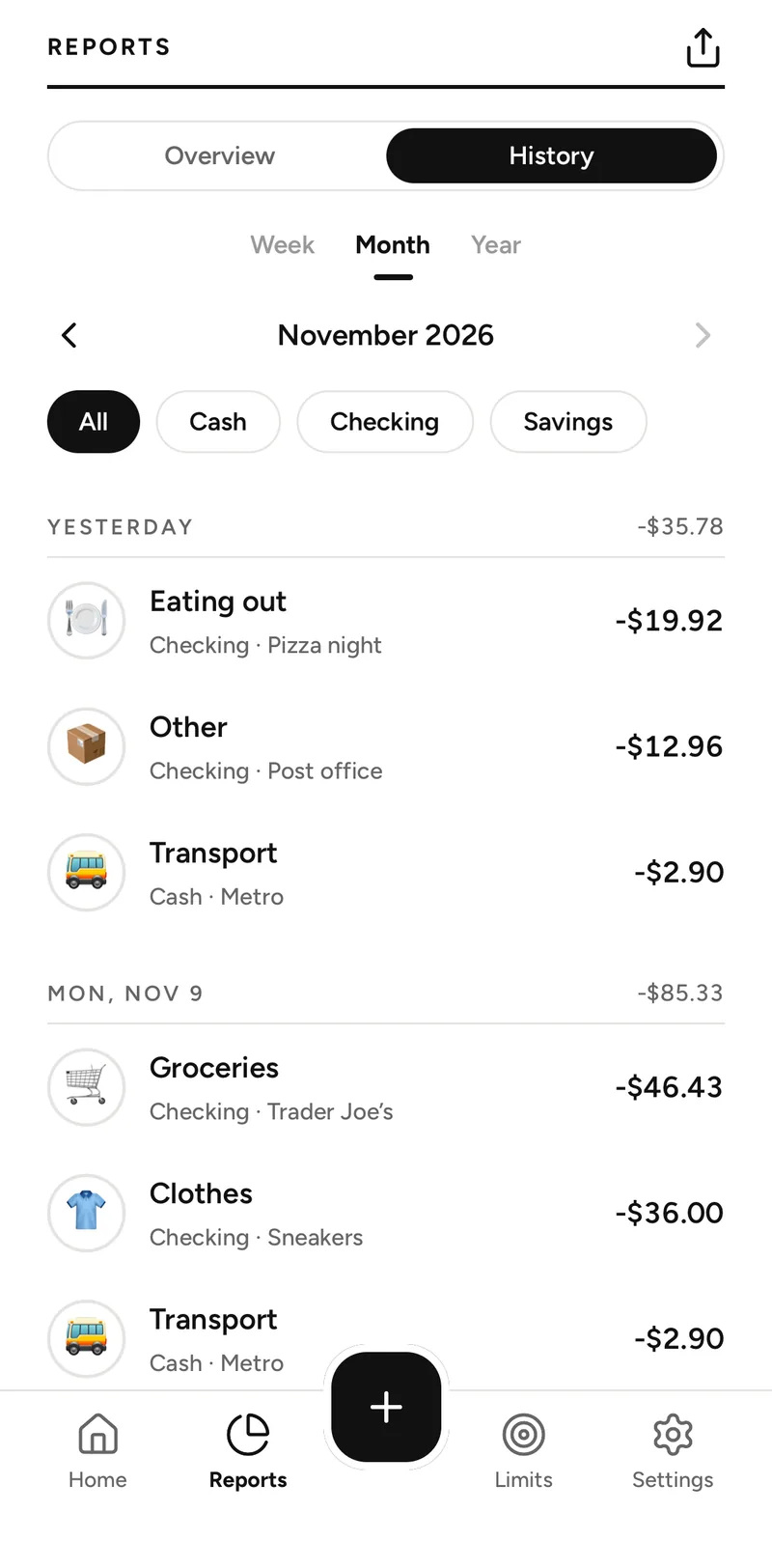
Income and expenses by week, month or year, spending by category and the full history of your records in one place.
Accounts
Cash, bank and cards together
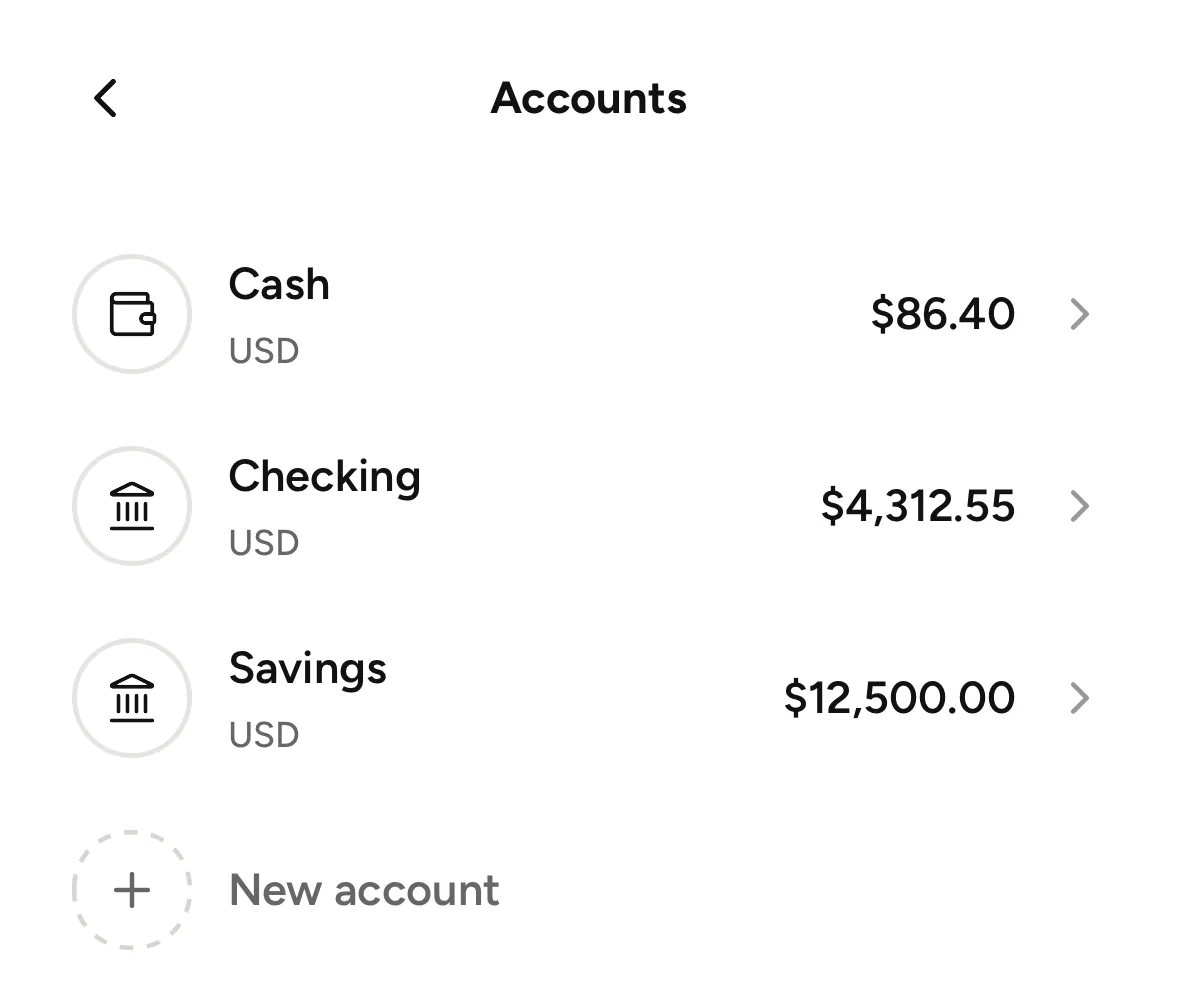
Add every place you keep money. Each account has its own currency and balance. Home adds up the accounts in your main currency, and savings can stay out of the daily amount.
Private by design
Your money stays on your iPhone
Expenses, income, accounts and limits are stored only on your device. You don’t need an account to use Plainspend.
- No ads, no tracking, no analytics.
- Export all your data to CSV, Excel, PDF or OFX at any time.
- An optional account only keeps your subscription on all your devices.
Subscription
Simple plans, no surprises
Choose a monthly or yearly plan. New subscribers can try the monthly plan free for 7 days. The App Store shows the price and the date of the first charge before you confirm, and you can cancel at any time.
Know what’s safe to spend, every day.
Plainspend for iPhone.